Sign-up for Volunteer Shifts in Crossbar
Mobile Device
1. Login to your account
Using a browser, go to www.ashlandhockey.org. Log into your account through this browser.
(You MUST use a web browser, NOT your Crossbar app. You will not be able to sign up for volunteer hours through the app.)
2. Dashboard
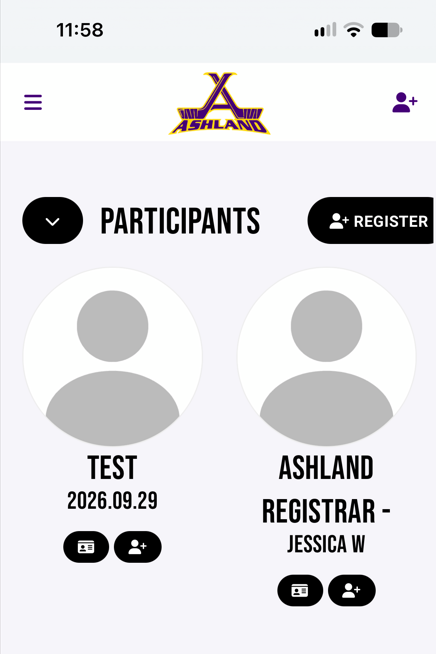
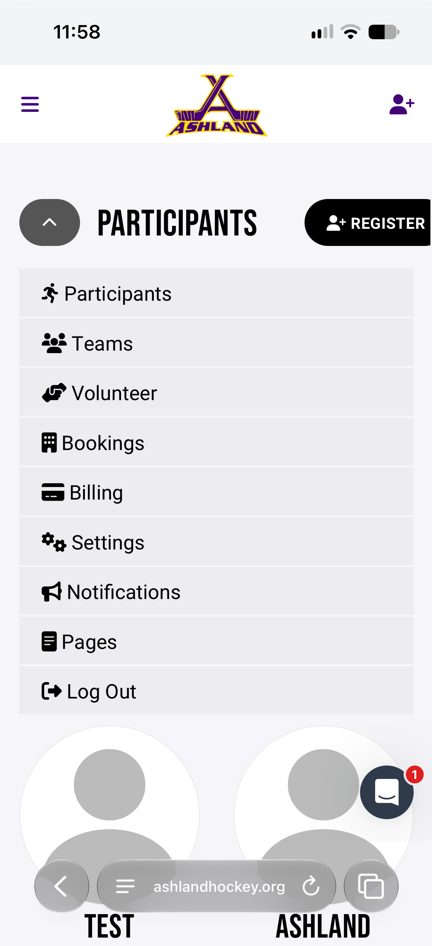
Click on the black down arrow to bring you to your account dashboard. Select Volunteer.
3. Volunteer Opportunities
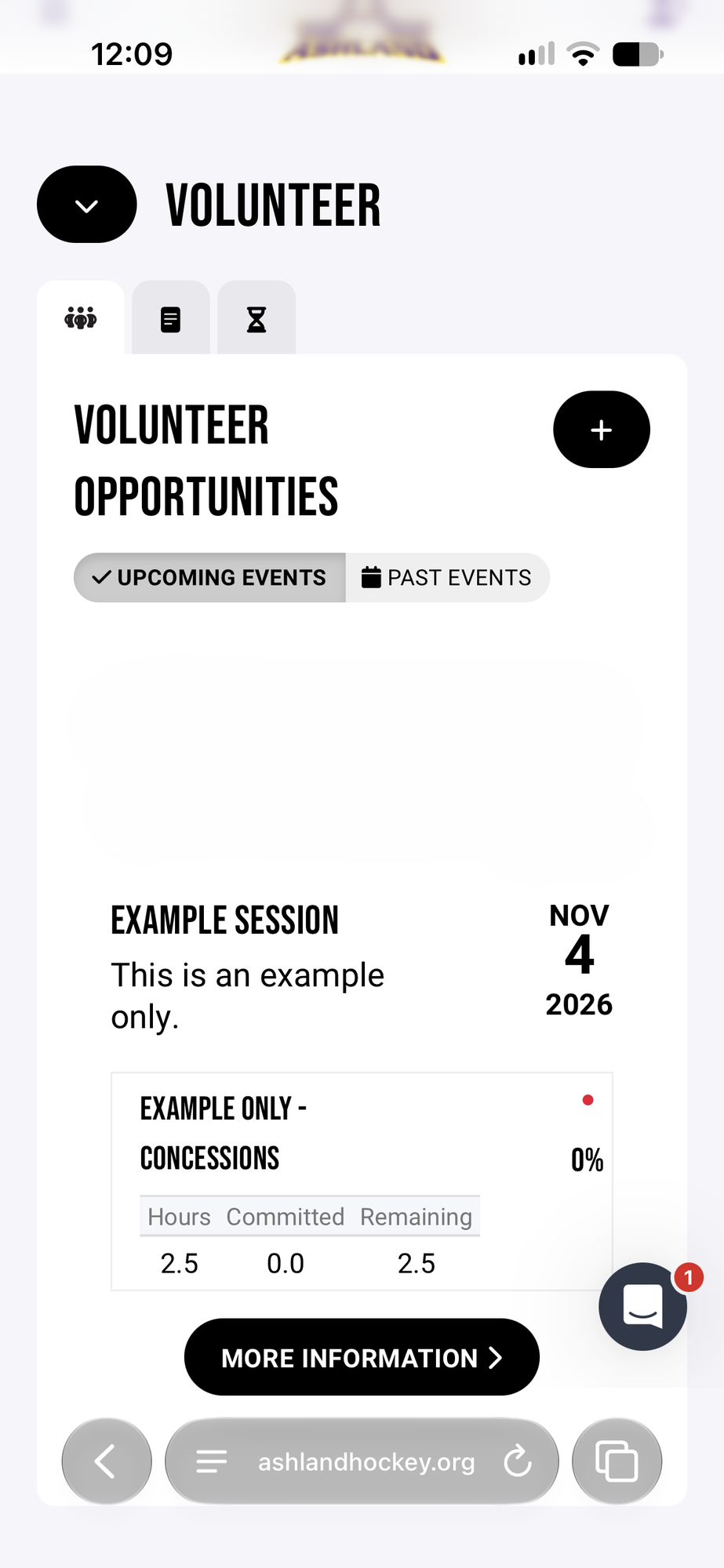
This will bring you to the volunteer dashboard where you can see the number of hours remain for your family.
To sign up for a volunteer shift, click on the "More Information" button.
4. Sign Up
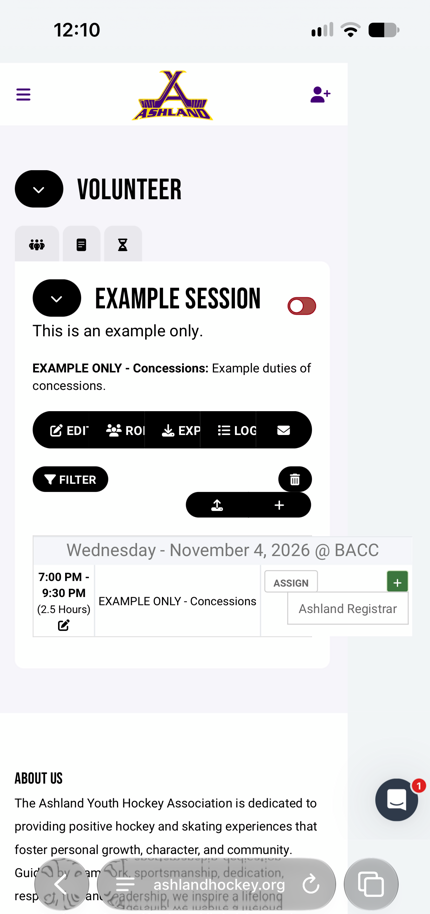
Click the green plus next to an available shift and choose the participant that will work that shift.
Desktop Browswer
1. Login
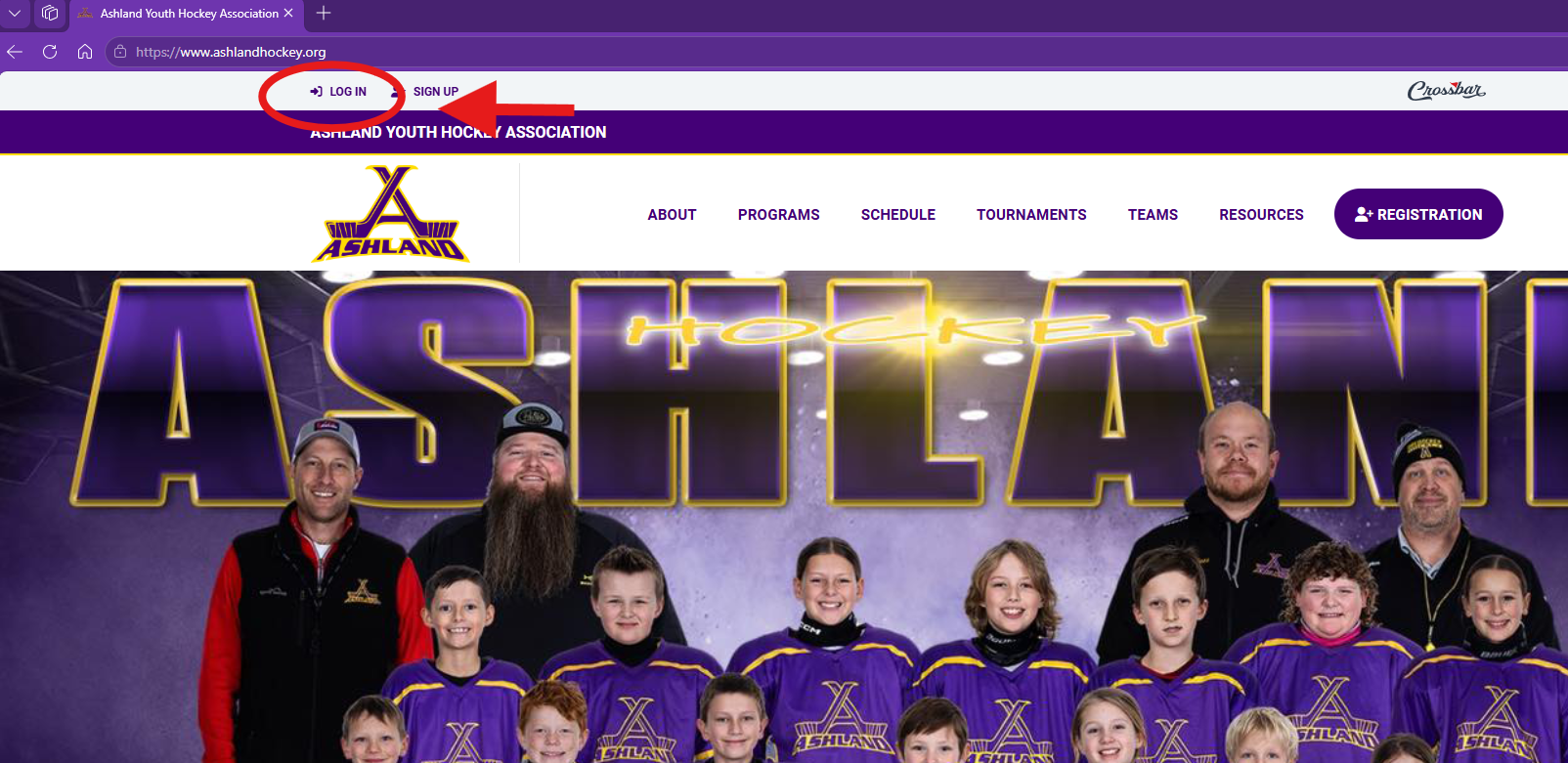
When signing up on a desktop browser you MUST be logged into the Ashland Youth Hockey Association website at www.ashlandhockey.org, NOT Crossbar. If you are logged into Crossbar, you will not have the same options. The login for AYHA is in the top left corner of the website.
2. Volunteer Menu Option
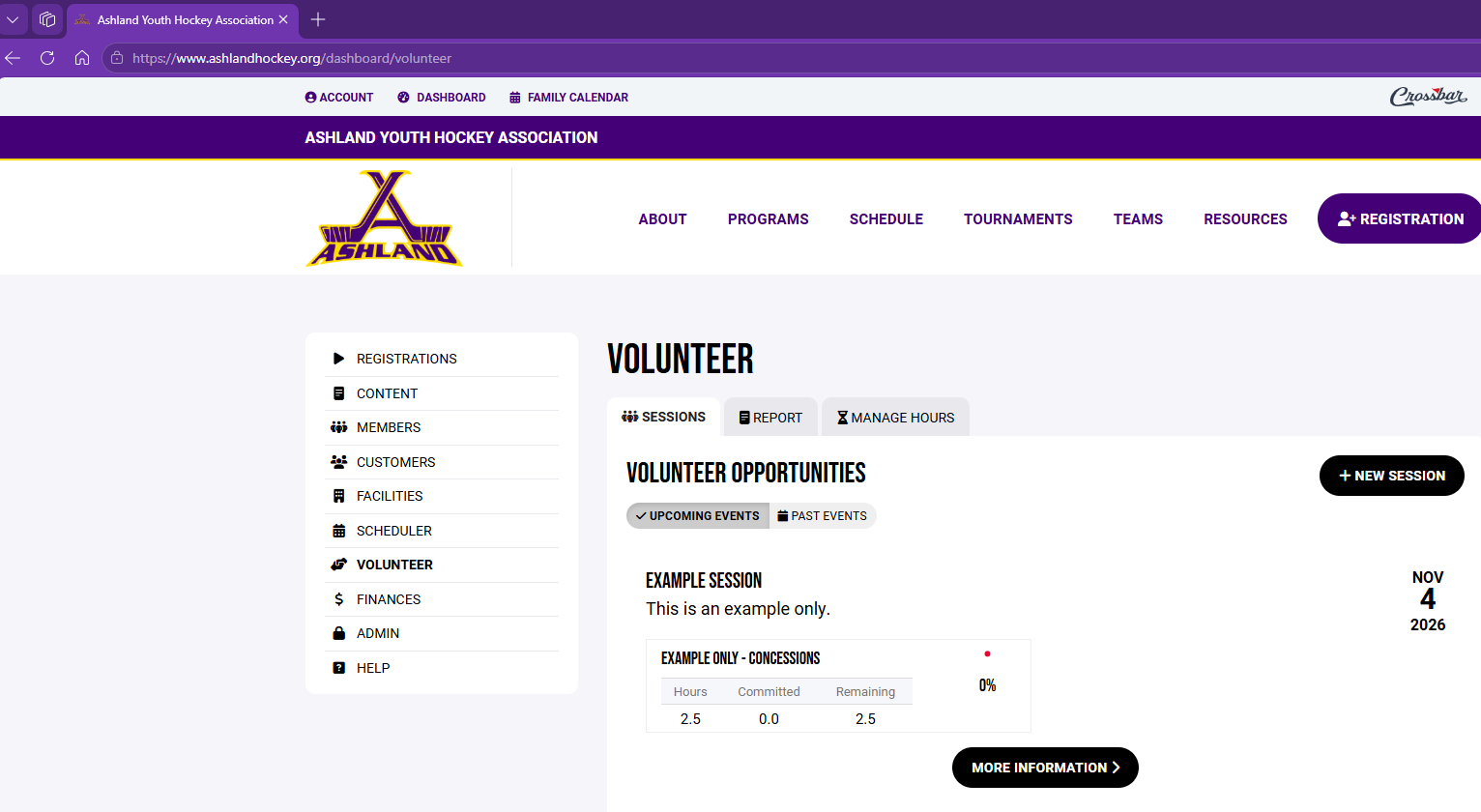
Select "Volunteer" from the left menu
3. Volunteer Opportunities
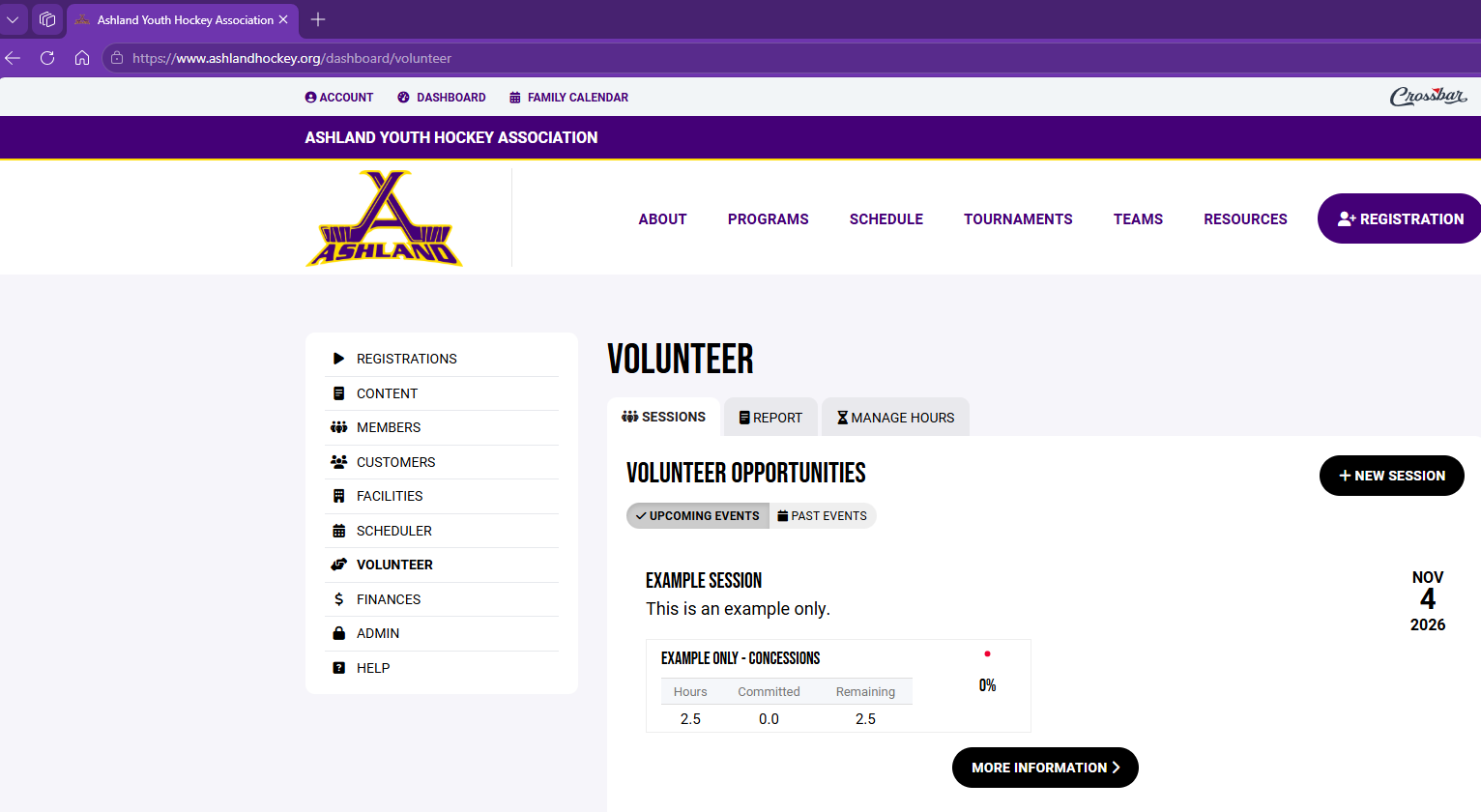
This page will display all the open volunteer opportunities as well as display the number of worked and needed hours remaining.
To sign up for a shift, click the 'MORE INFORMATION' button.
4. Sign Up
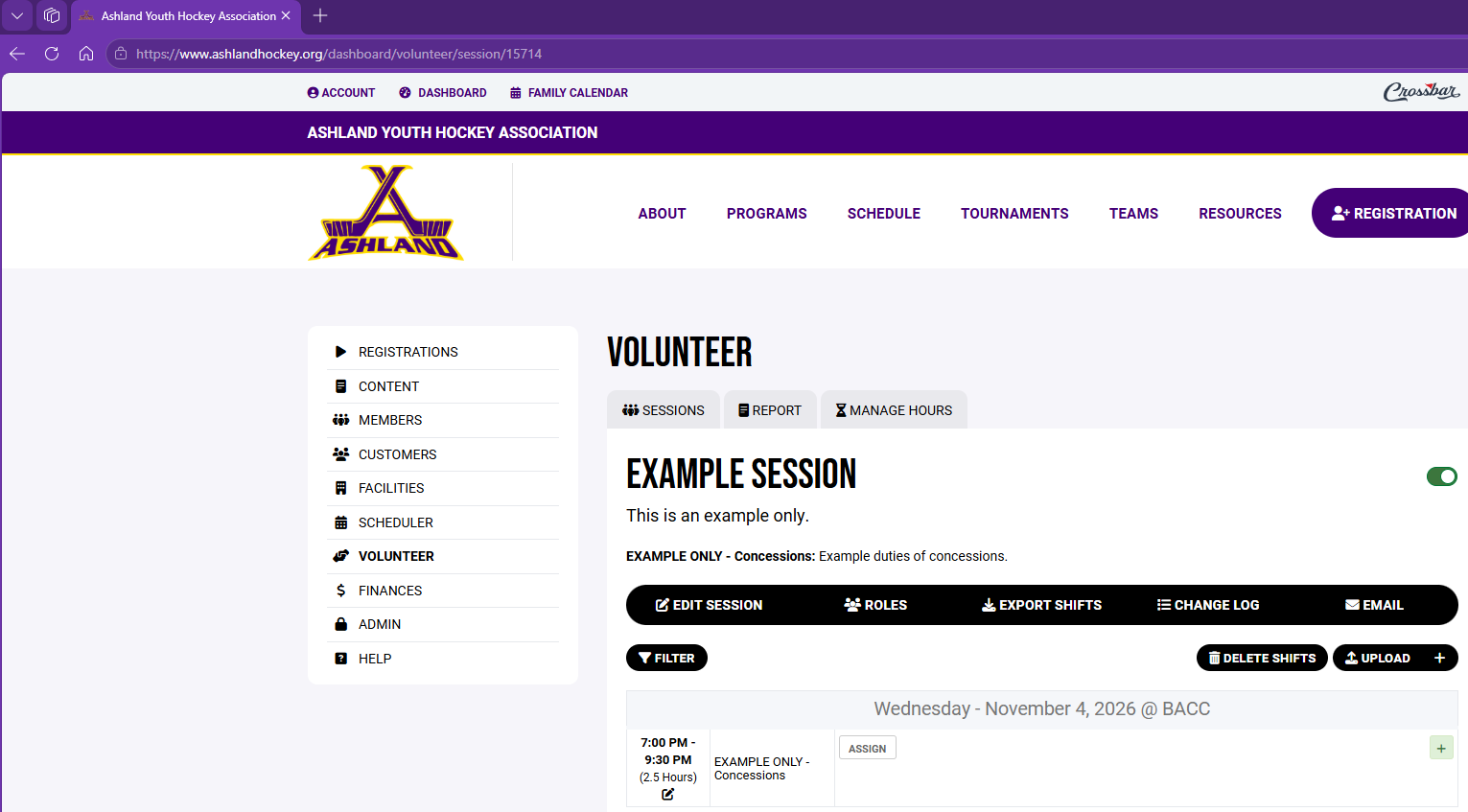
Click the green plus next to an available shift and choose the parent that will work it.